Product · For your agency team
Run every shift from one console
The Operations Portal is where your coordinators plan, fill and close shifts, and where every proof is kept.
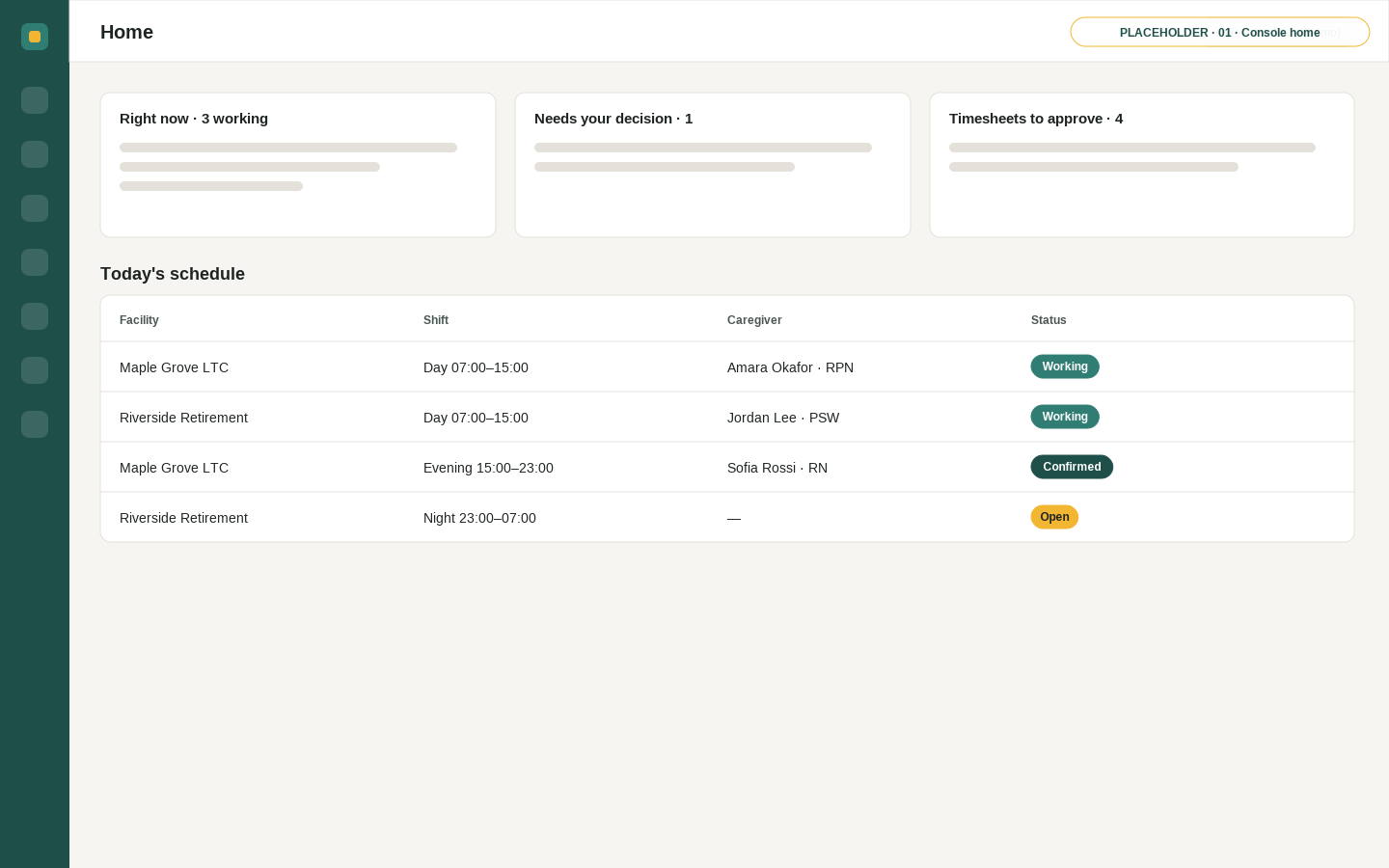
Your day at a glance
Who is working right now, the decisions waiting for you and today's schedule, on one screen.
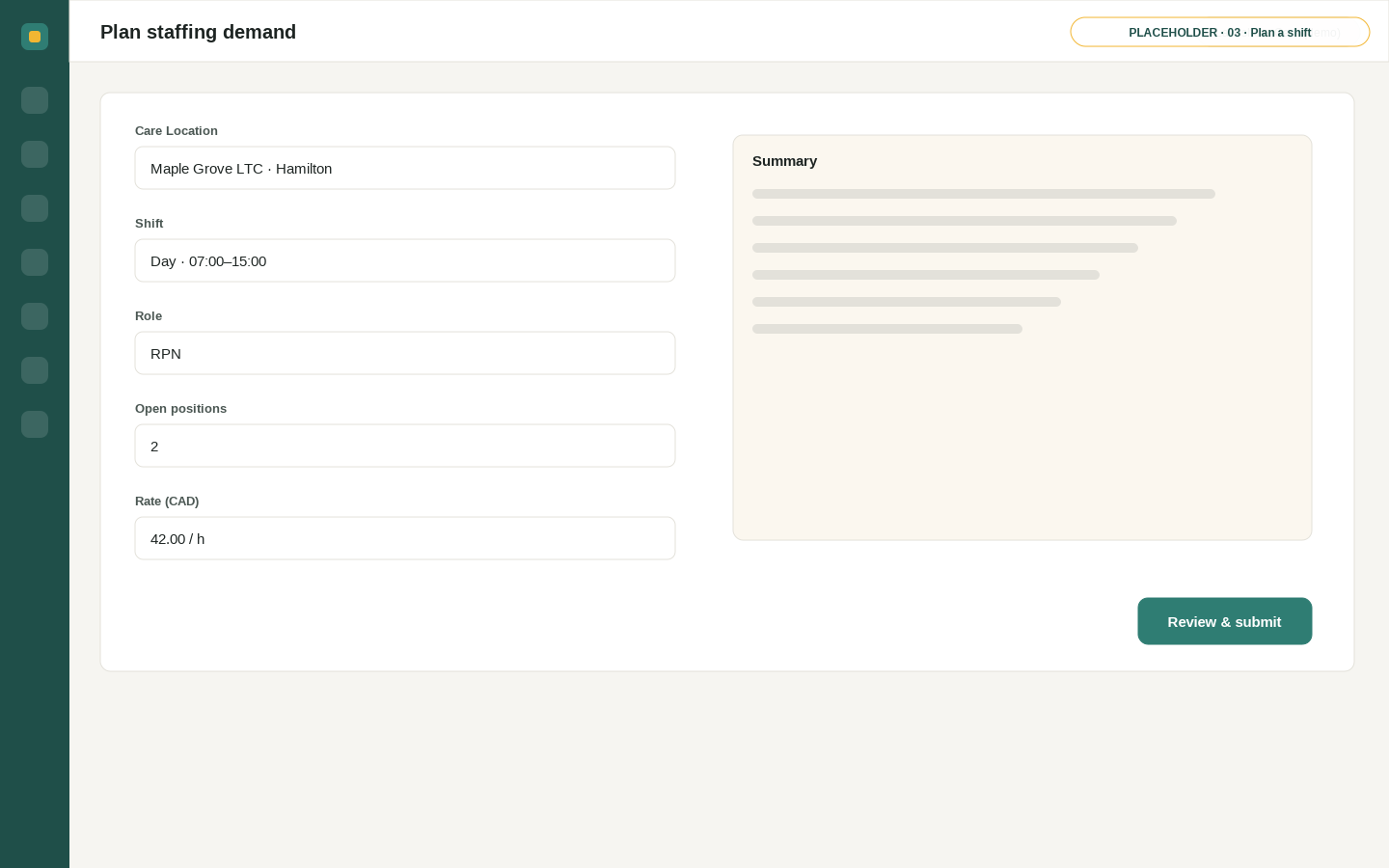
Plan or receive shifts
Create shifts in a few clicks, or take the requests your clients send from their portal.
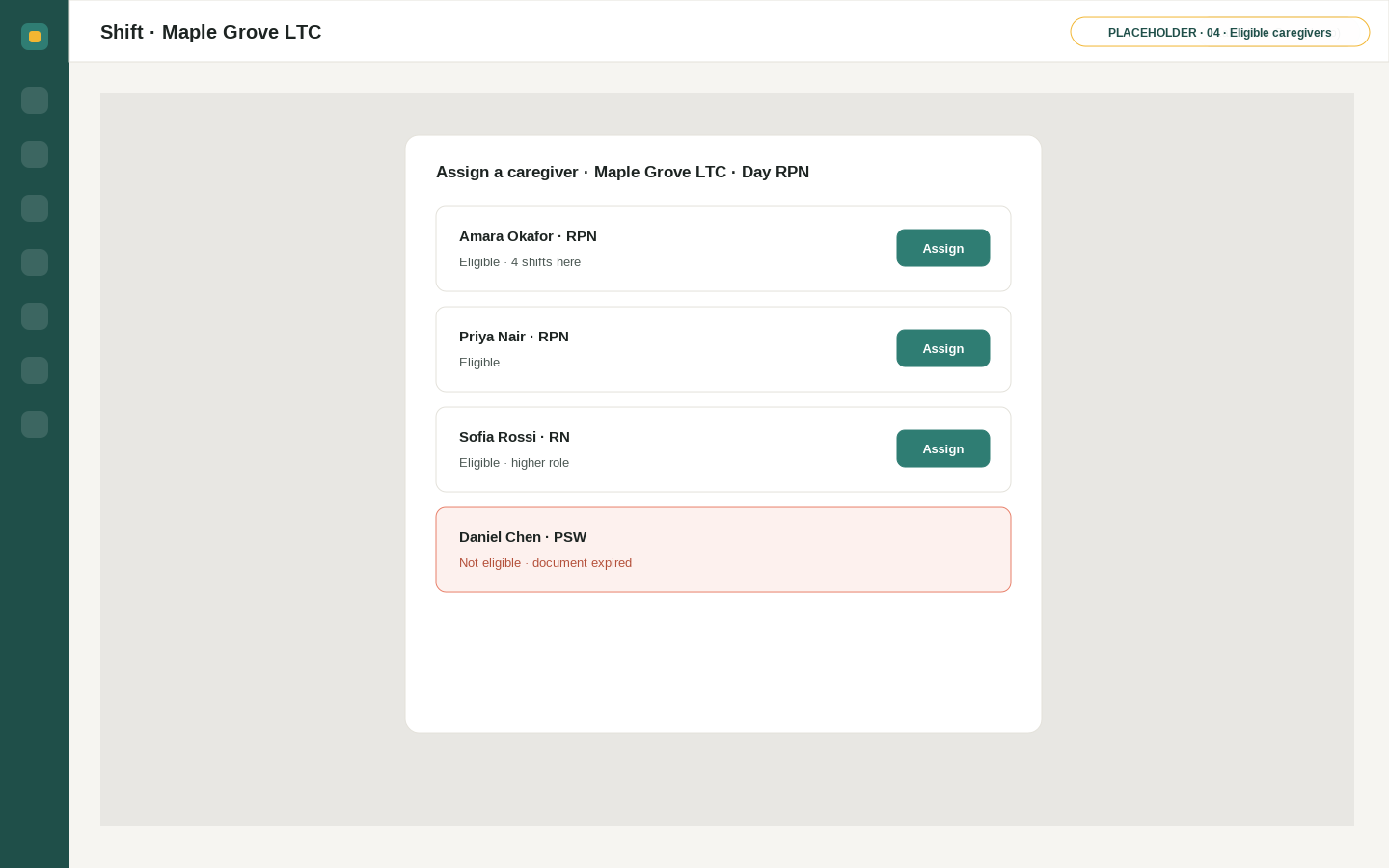
Send them to eligible caregivers only
A caregiver with an expired document is not offered the shift. You can still assign directly.
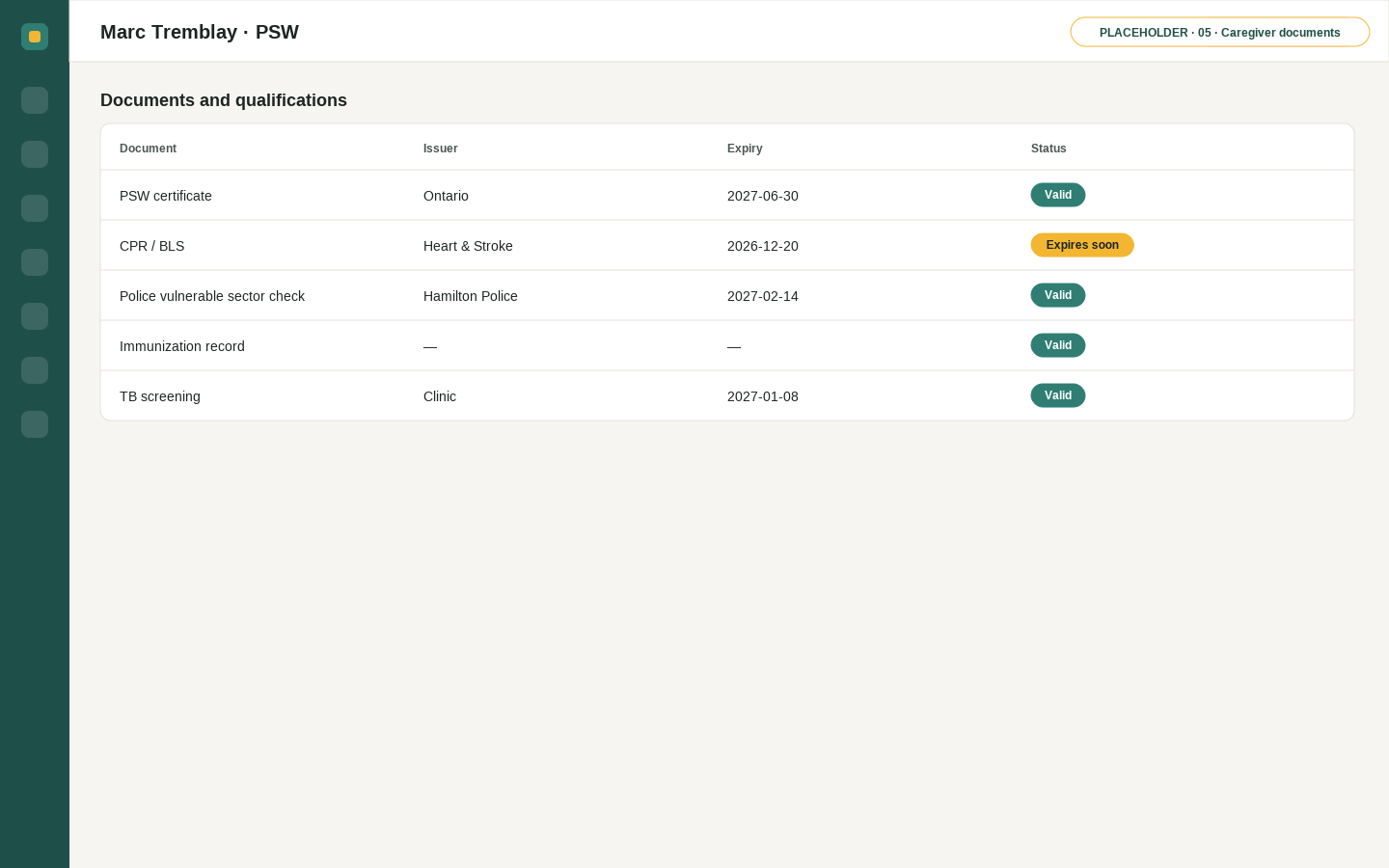
Documents with their expiry dates
Certificates and checks for every caregiver, with reminders before they expire.
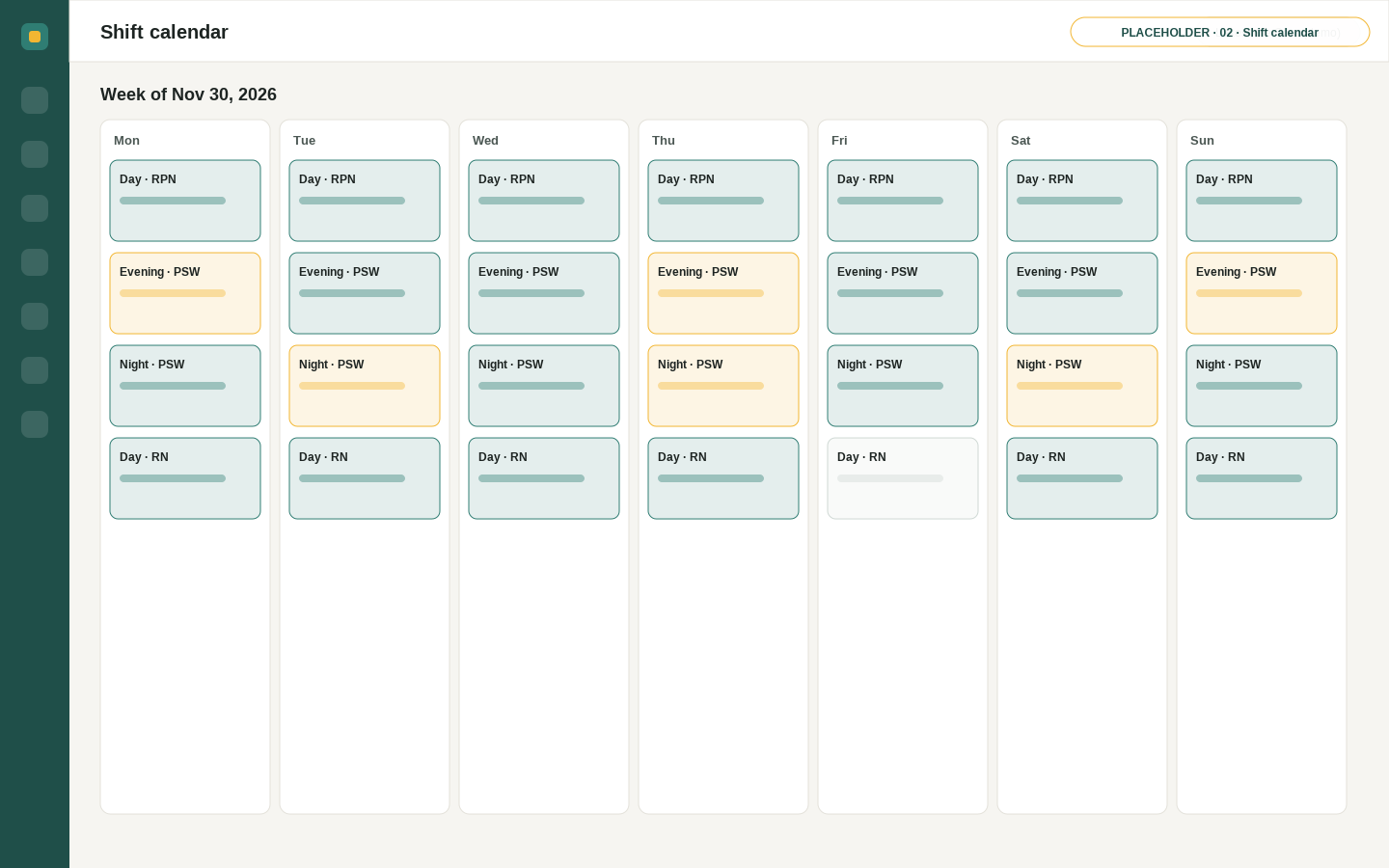
The week in one calendar
Filled, open and pending shifts for every client.
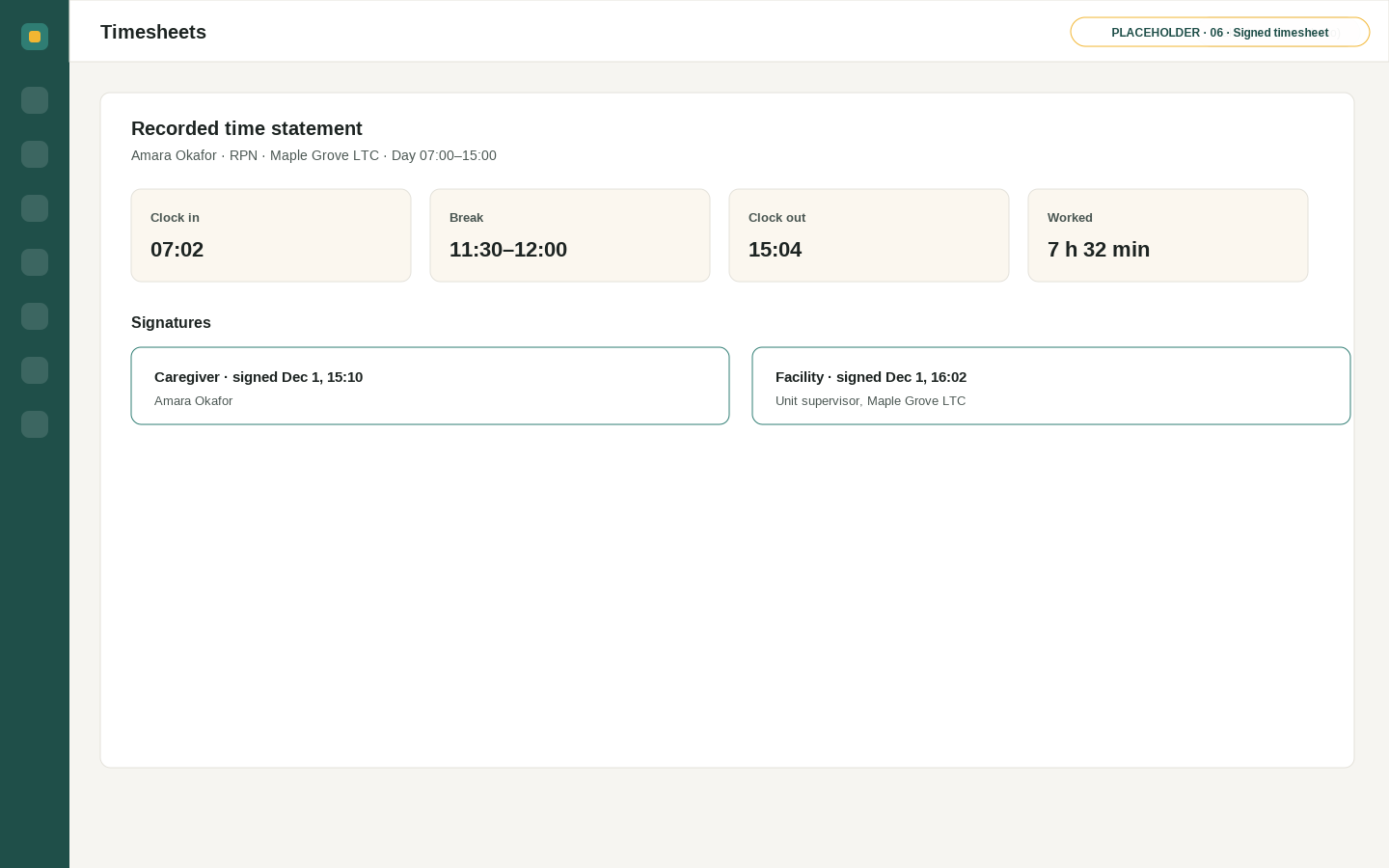
Clock rules and signed timesheets
Set your clock rules once, then approve timesheets signed by the caregiver and confirmed by the facility.
The Caregiver App is a mobile app today. The Operations and Facility portals work in any browser on a computer or tablet, and are moving to mobile too.
See it with one of your own shifts
In 30 minutes, we walk through a real shift of yours, from the client's request to the signed timesheet.
Book a 30-minute demo