Product
Three apps, one flow, from the shift request to the signed timesheet
Your team, your clients and your caregivers each get the app made for their job. Every shift goes through the same steps, with the proof kept at every step.
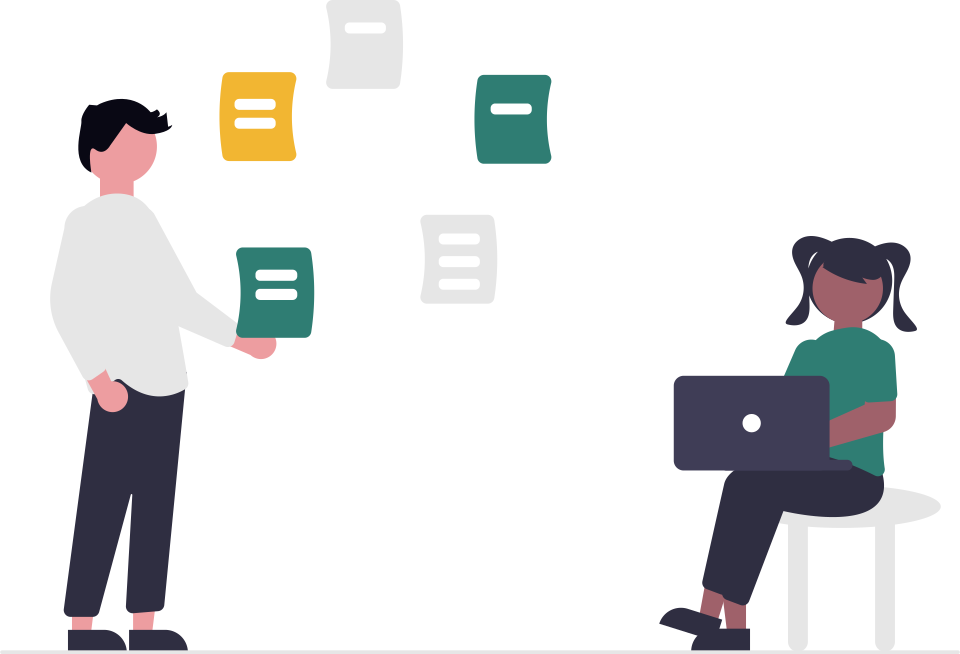
Pick an app
The Caregiver App is a mobile app today. The Operations and Facility portals work in any browser on a computer or tablet, and are moving to mobile too.
How the three work together
- 1
Plan or receive the shift
Your team creates it in the Operations Portal, or a client requests it from the Facility Portal.
- 2
Send it to the right people
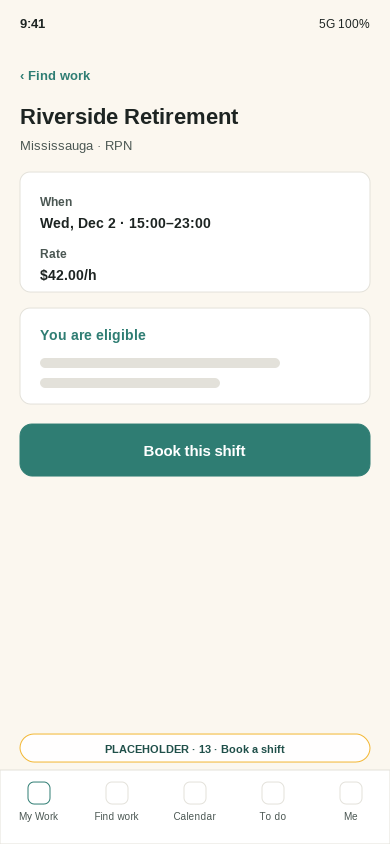
Only caregivers whose documents are valid for that client see it in their app.
- 3
Clock in on site
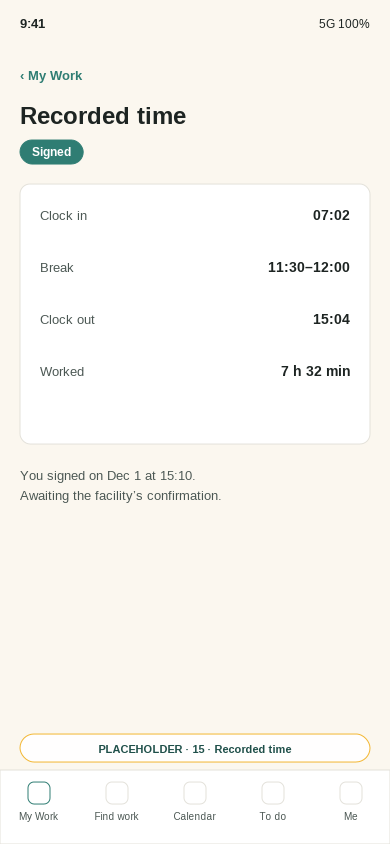
Caregivers clock in and out from their phone, under your clock rules.
- 4
Get the timesheet signed
The caregiver signs, the facility confirms, your team approves.
- 5
Keep the records
Rates and signed timesheets per client, ready for billing, payroll and your reports.
Your caregivers get your app, not ours
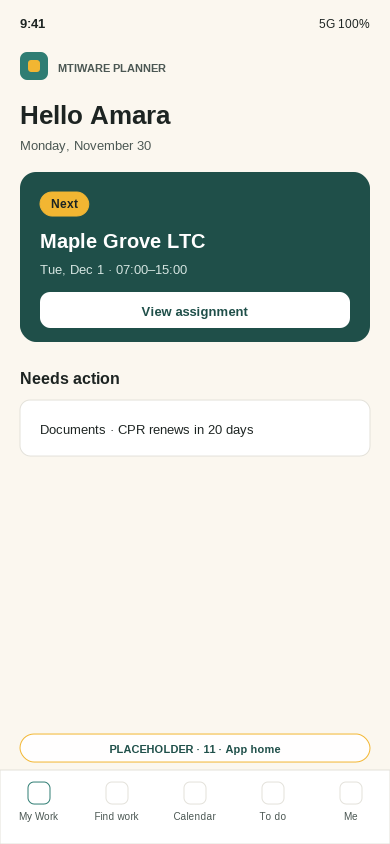
We build your caregiver app with your name and colours, publish it on the App Store and Google Play, and set it up for your clients.
- Your name and colours on your caregivers' home screen
- Published on the App Store and Google Play
- Set up with your clients, your rules and your documents
See it with one of your own shifts
In 30 minutes, we walk through a real shift of yours, from the client's request to the signed timesheet.
Book a 30-minute demo